
Experience Fast and Secure Windows Access Using LogonExpert Auto Logon
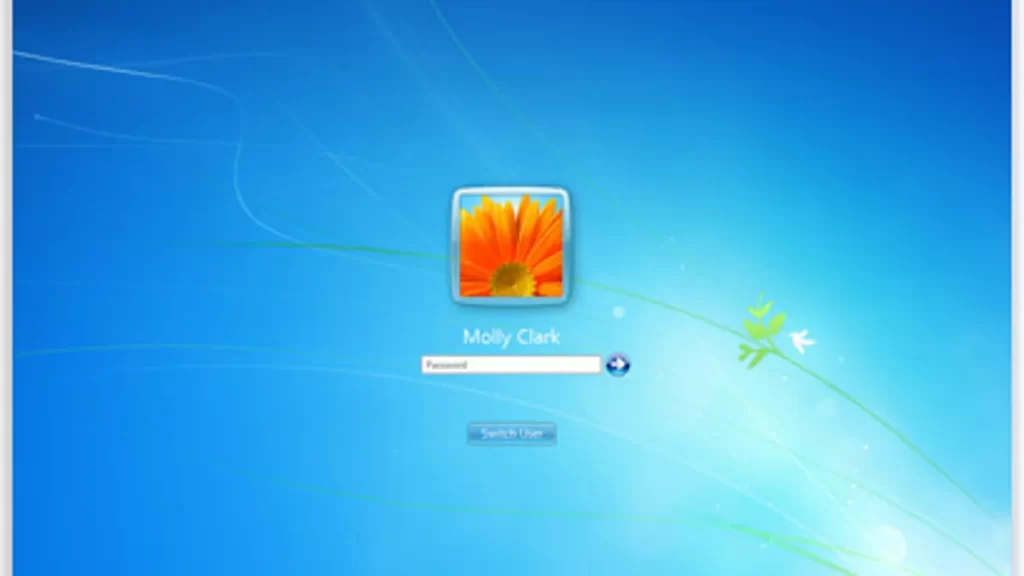
Effortless and reliable access to your Windows system has never been easier. LogonExpert Auto Logon is designed to streamline the login process, allowing users to start their work without repetitive password entries. By automating Windows logon, this tool ensures a smooth and secure experience while maintaining the integrity of your system. Whether managing multiple devices, running automated tasks, or simply improving personal productivity, LogonExpert provides a seamless solution that combines speed, efficiency, and security in one powerful package.
Streamlined System Access
LogonExpert Auto Logon removes the need for manual login, letting users access Windows quickly and without interruption. The tool supports:
- Automatic Windows startup login
- Immediate access to user accounts after boot
- Smooth integration with local and domain accounts
This functionality reduces downtime, allowing professionals and home users to focus on their tasks right from system startup.
Enhanced Security Features
Security is a priority with LogonExpert Auto logon. The software safeguards user credentials and ensures that auto logon does not compromise system protection. Key features include:
- Secure encryption of login credentials
- Compatibility with Windows security policies
- Reliable protection for both personal and business environments
With these measures, users enjoy fast access without sacrificing system safety.
Efficient Multi-User Management
For environments with multiple accounts or shared computers, LogonExpert provides a simple way to manage logins. Features include:
- Support for multiple user profiles
- Customized auto logon for selected accounts
- Easy configuration of user-specific settings
This flexibility ensures each user has a tailored, hassle-free experience without interfering with others.
Automation and Productivity Boost
Automating the logon process contributes directly to increased productivity. Users benefit from:
- Reduced waiting time during system startup
- Seamless launch of startup applications
- Immediate readiness for remote or on-site work
By removing repetitive tasks, LogonExpert allows more focus on core work and operational efficiency.
Simple Setup and Integration
Setting up LogonExpert Auto Logon is straightforward and user-friendly. It integrates smoothly with Windows systems and provides clear instructions for configuration. Highlights include:
- Step-by-step setup guidance
- Intuitive user interface
- Compatibility with latest Windows versions
Even those with minimal technical expertise can implement auto logon effortlessly.
Reliable and Professional Solution
Professionals recommend LogonExpert for its combination of speed, security, and ease of use. Key advantages include:
- Fast Windows access without manual passwords
- Secure handling of sensitive login information
- Compatibility with home, office, and enterprise systems
By adopting LogonExpert Auto Logon, users experience a streamlined workflow, enhanced productivity, and peace of mind knowing their systems remain secure. LogonExpert Auto Logon provides a perfect balance of convenience and security. Its automated login capabilities simplify Windows access, protect credentials, and enhance overall productivity. For individuals and organizations seeking reliable system access, LogonExpert offers an efficient, professional, and secure solution that meets modern computing needs.
